Back to Courses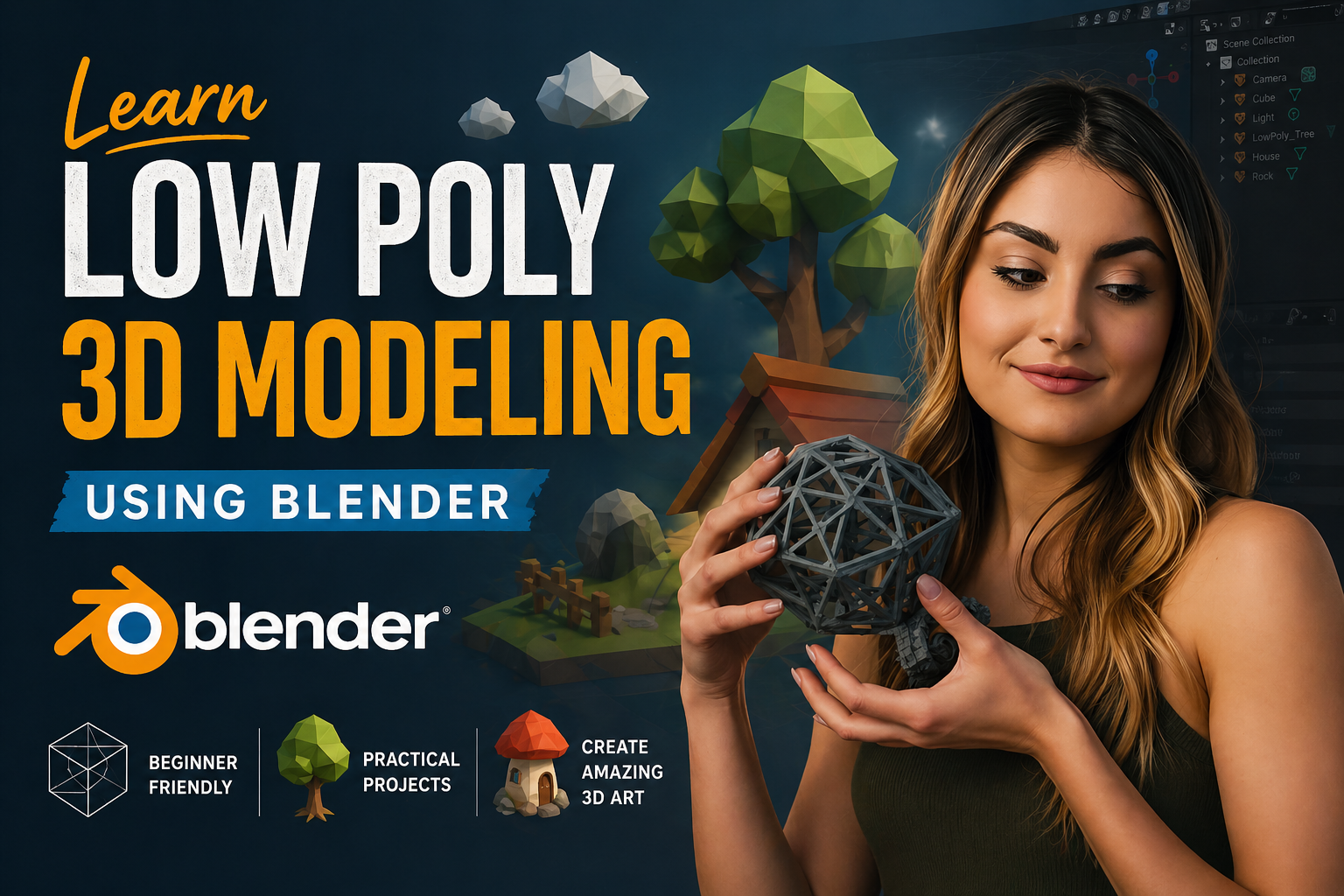
Celoris · 2026 EditionDigital Art Certification8 Weeks Intensive
Learn Low Poly 3D Modeling:Using Blender
From Zero to Portfolio-Ready 3D Artist
Low poly 3D modeling is one of the most in-demand art styles in game design, animation, product visualization, and social media content. With Blender — a free, professional-grade 3D software — you can create stunning low poly artwork without spending a single rupee on tools. This course takes you from absolute beginner to a confident 3D artist who can design, texture, light, and render beautiful low poly scenes ready for your portfolio or client work.
8 Weeks
Duration
40+ Lessons
Lessons
6 hrs+
Content
Beginner
Level
What You'll Learn
Install and configure Blender for first use
Navigate the 3D viewport confidently with keyboard shortcuts
Understand the difference between Object Mode and Edit Mode
Master key modeling tools: Extrude, Loop Cut, Bevel, Knife
Build nature assets like mountains, water, and trees
Design stylized characters with minimal polygons
Apply materials, textures, and gradients
Setup cinematic lighting and rendering in Cycles & EEVEE
Export for Unity, Unreal, and Web (GLTF/FBX)
Build a professional portfolio on ArtStation & Behance
Course Curriculum
What You Will Build
Low Poly Island
A complete floating island scene with mountains and trees.
Environment Modeling
Stylized Character
A low poly human or animal character ready for animation.
Organic Modeling
Product Mockup
Clean product visualization using low poly aesthetics.
Stylized Materials
Portfolio Piece
A final high-quality scene based on your own concept.
Full Workflow
Career Opportunities
Freelance
- • Game Assets on Fiverr/Upwork
- • Brand Illustrations
- • 3D Logos & Mockups
- • Etsy 3D Print Files
Job Roles
- • Junior 3D Game Artist
- • 3D Motion Designer
- • Product Visualization Artist
- • AR/VR Content Creator
Side Income
- • Sell on Unity Asset Store
- • TurboSquid Asset Sales
- • YouTube Tutorials
- • NFT Art Platforms
Frequently Asked Questions
Everything you need to know before starting
Q1
Do I need a powerful PC to run Blender?
Blender runs on most modern laptops and desktops. For this course, even a mid-range PC (8GB RAM, integrated graphics) can handle the low poly scenes we create. A dedicated GPU helps with rendering speed but is not required.
Q2
Is Blender really free? Will there be hidden costs?
Yes, Blender is 100% free and open source — no subscription, no watermarks, no hidden fees. It is used professionally by studios worldwide.
Q3
How much time do I need per week?
We recommend 4-5 hours per week to complete exercises and watch lessons at a comfortable pace. The course can be finished in 8 weeks following this schedule.
Q4
Can I use this for game development?
Absolutely. Low poly is the dominant art style in indie game development. Assets created in this course can be exported directly to Unity, Unreal Engine, or Godot.
Ready to Start Creating?
"This course gives you everything you need to go from zero experience to a confident 3D artist with a portfolio that stands out."
₹5,999
Complete 8-Week Access
Celoris Certificate
Portfolio Project
Blender 4.x Workflow
6+ Hours of Content
Instructor
Celoris Team
The Celoris creative team and expert 3D artists bring you industry-standard workflows for game art and digital visualization.
4.9 Rating
850+ Students
Requirements
- Laptop or desktop (Windows / Mac / Linux)
- Blender (free download — blender.org)
- No prior 3D or coding knowledge required
- Mouse with scroll wheel recommended
- Willingness to practice and experiment