Back to Courses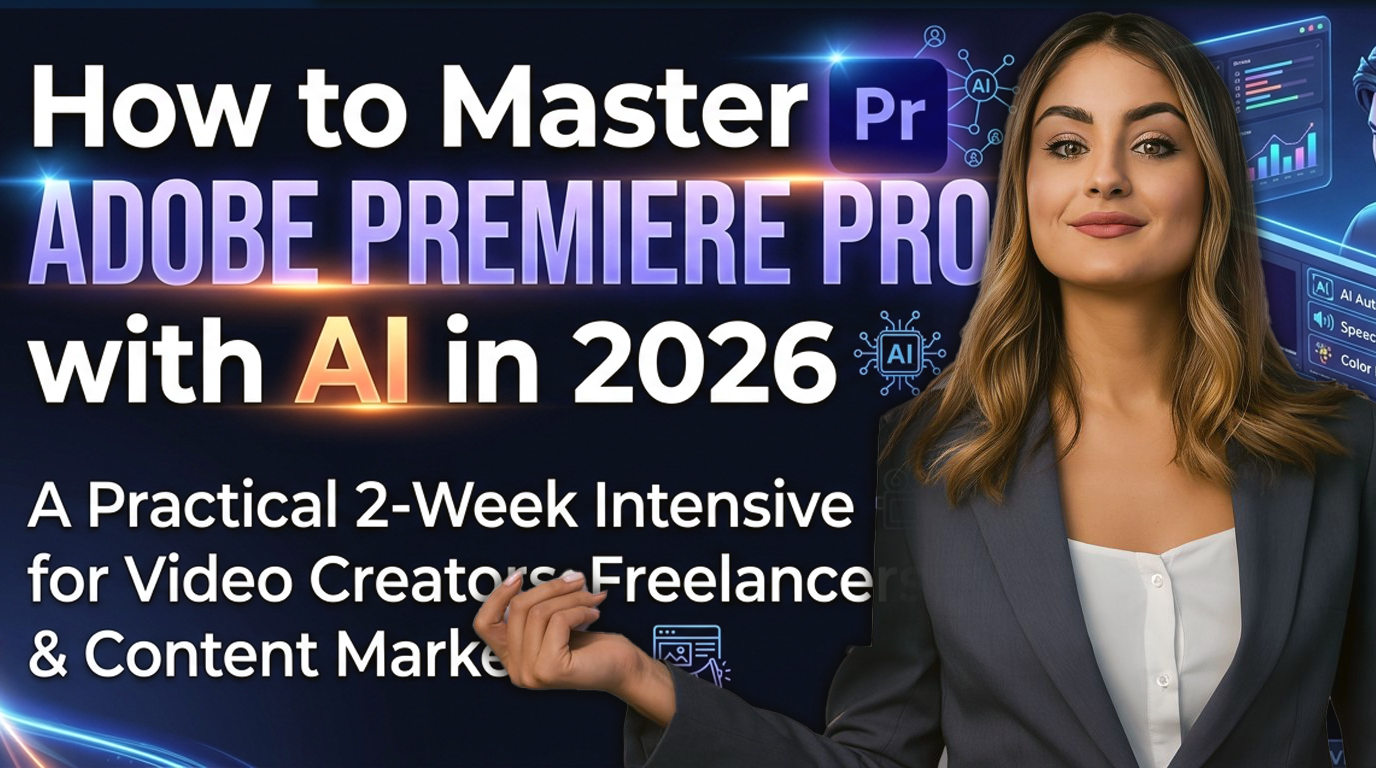
Beginner → Intermediate2-Week IntensiveAI-First Workflow
How to Master Adobe Premiere Pro with AI in 2026
A Practical 2-Week Intensive for Video Creators, Freelancers & Content Marketers
Master the future of video editing. This course covers everything from AI-powered auto-cuts and smart trimming to generating AI B-roll, voiceovers, and multilingual dubbing within Premiere Pro 2026. Perfect for creators who want to 10x their production speed.
2 Weeks
Duration
30+
Hours
10
Sessions
12+
AI Tools
What You'll Learn
Edit professional videos using Adobe Premiere Pro 2026's AI-powered tools
Generate AI B-roll, voiceovers, and captions automatically
Color grade footage using AI-matched color correction
Remove backgrounds, key green screen, and composite AI scenes
Dub and translate your videos into multiple languages with AI
Automate repetitive editing tasks using AI plugins and batch workflows
Export platform-optimized videos for YouTube, Instagram, and LinkedIn
Course Curriculum
Featured Projects
AI-Cut Shortened Reel
Reframe and auto-trim a 16:9 video for social media.
Auto Reframe + Smart Trim
The Clean Audio Master
Fixing noisy street footage with AI Enhance Speech.
Enhance Speech + AI Match
Firefly Promo
1-minute promotional video using only AI-generated clips.
Firefly + Generative Fill
Multilingual Tutorial
A 2-min tutorial dubbed and captioned in 3 languages.
AI Dubbing + Speech to Text
Capstone Production
A complete professional video demonstrating all AI tools.
Premiere Pro 2026
Frequently Asked Questions
Everything you need to know before starting
Q1
Do I need prior video editing experience?
No. The course is designed for beginners to intermediate learners. We cover the basics of the interface before diving into the advanced AI tools that make editing faster for everyone.
Q2
Which version of Premiere Pro do I need?
The course is based on Premiere Pro 2026. If you have a Creative Cloud subscription, you will be able to update to this version or use the Beta features which contain the AI tools we cover.
Q3
Is Adobe Firefly included in the course?
We provide guidance on how to use Adobe Firefly. Access to Firefly is typically included with your Adobe Creative Cloud subscription.
Q4
Will I get a certificate?
Yes, you will receive a Celoris Certificate of Completion once you finish and submit your Capstone project.
Future-Proof Your Editing
"The difference between a 10-hour edit and a 1-hour edit is mastering the AI tools of 2026. This is where you learn them."
₹14,999
Complete 2-Week Intensive
Celoris Certificate
Capstone Project
Live / Recorded Sessions
30 Hours of Content
Instructor
Celoris Team
The Celoris core team specializes in creative tech and AI-assisted professional workflows, helping creators bridge the gap between imagination and production.
4.9 Rating
450+ Students
Requirements
- Adobe Premiere Pro 2026 (installed)
- Adobe Firefly access (included with Creative Cloud)
- Internet Connection for AI processes
- Ideal for Creators, YouTubers, and Marketing professionals